
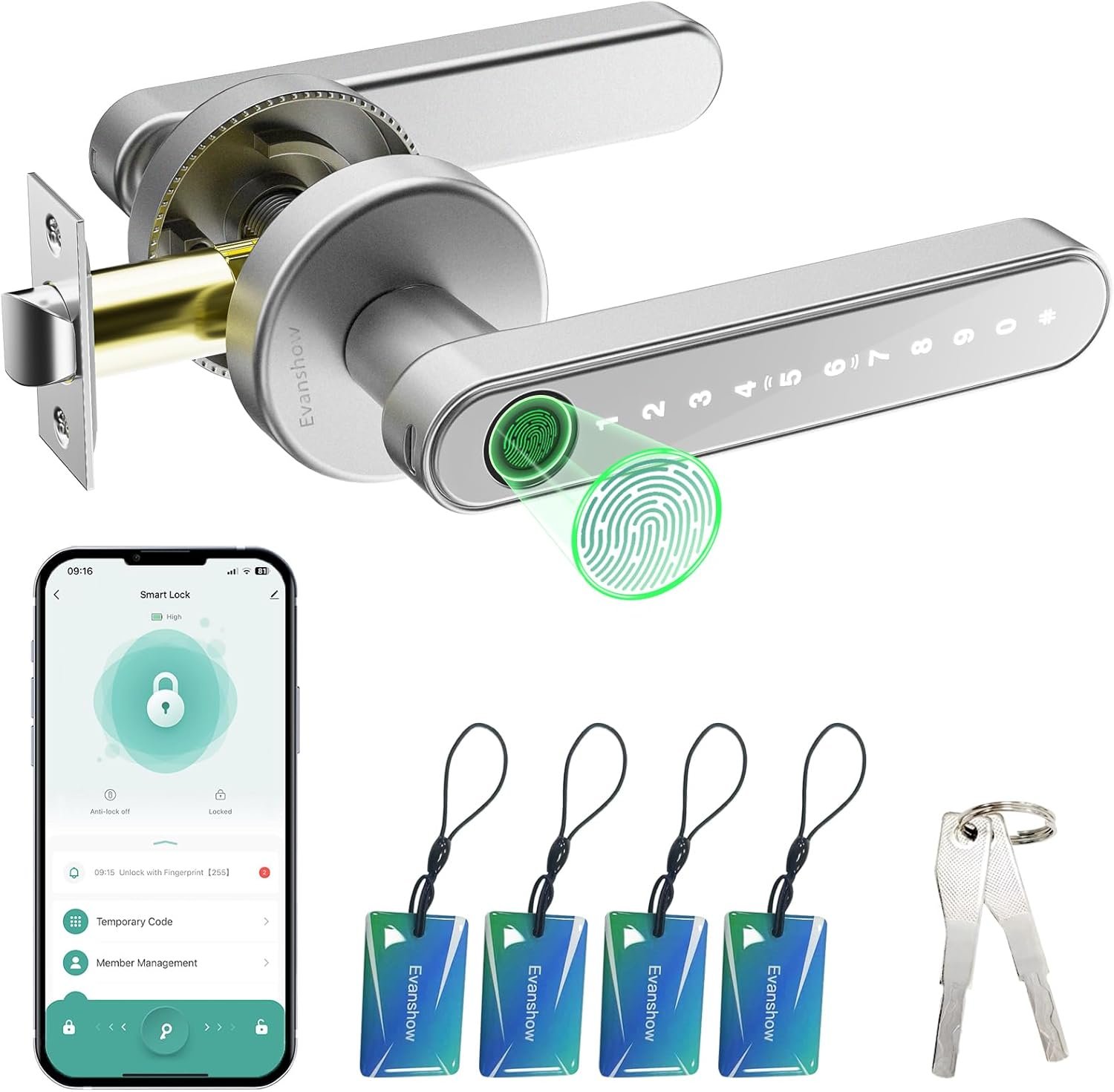
Smart Door Lock with Knob, Keyless Entry Door Locks with Handle, Fingerprint Door Knob for Bedroom/Front Door/Apartment,Generate Passcode Remotely Silver
$36.99
Related Products




Product description

5 in 1 Smart Door Lock
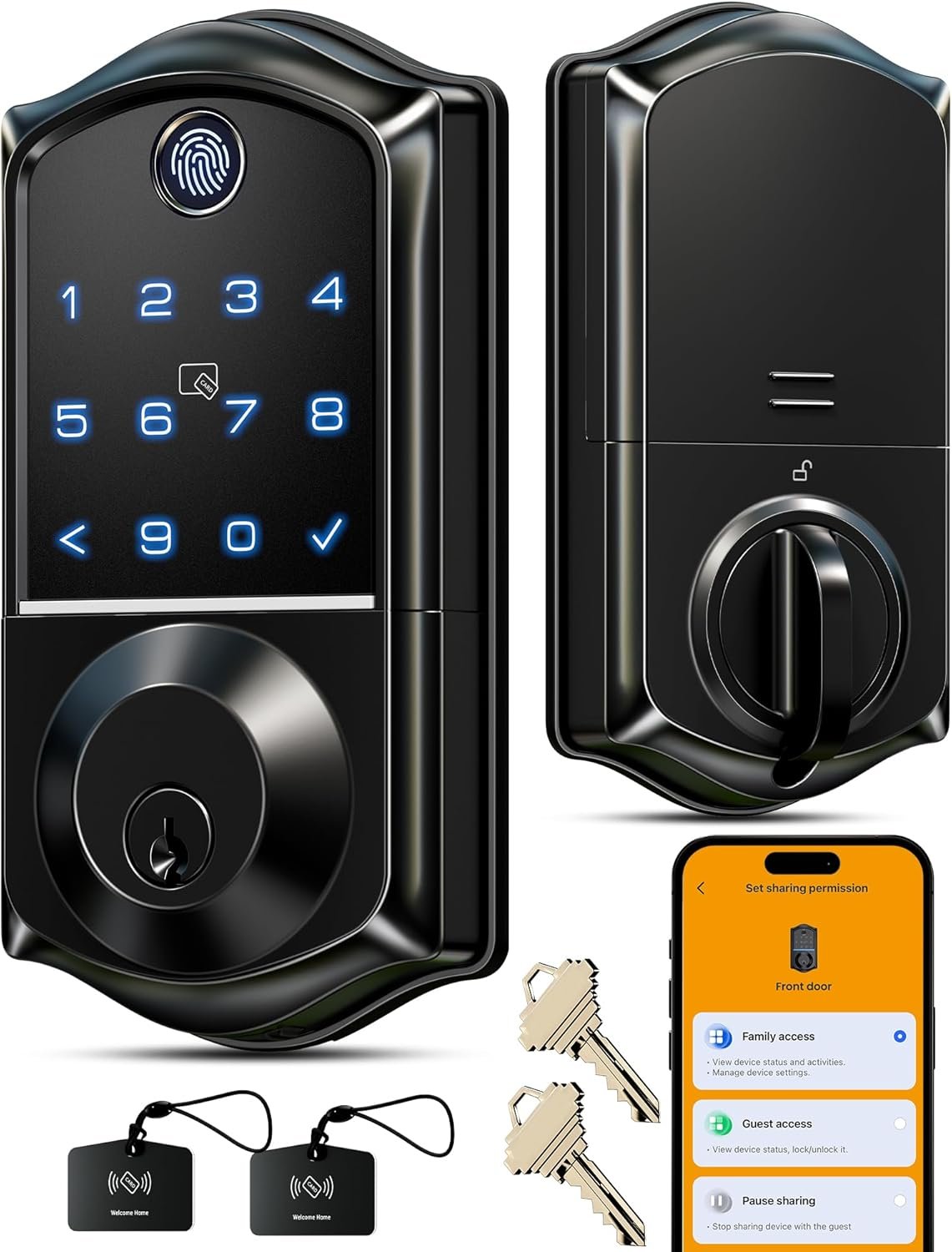
 Backup Keys
Two physical keys are available for emergency use.
 Smart APP Control
Use the smartphone app to unlock the fingerprint door lock
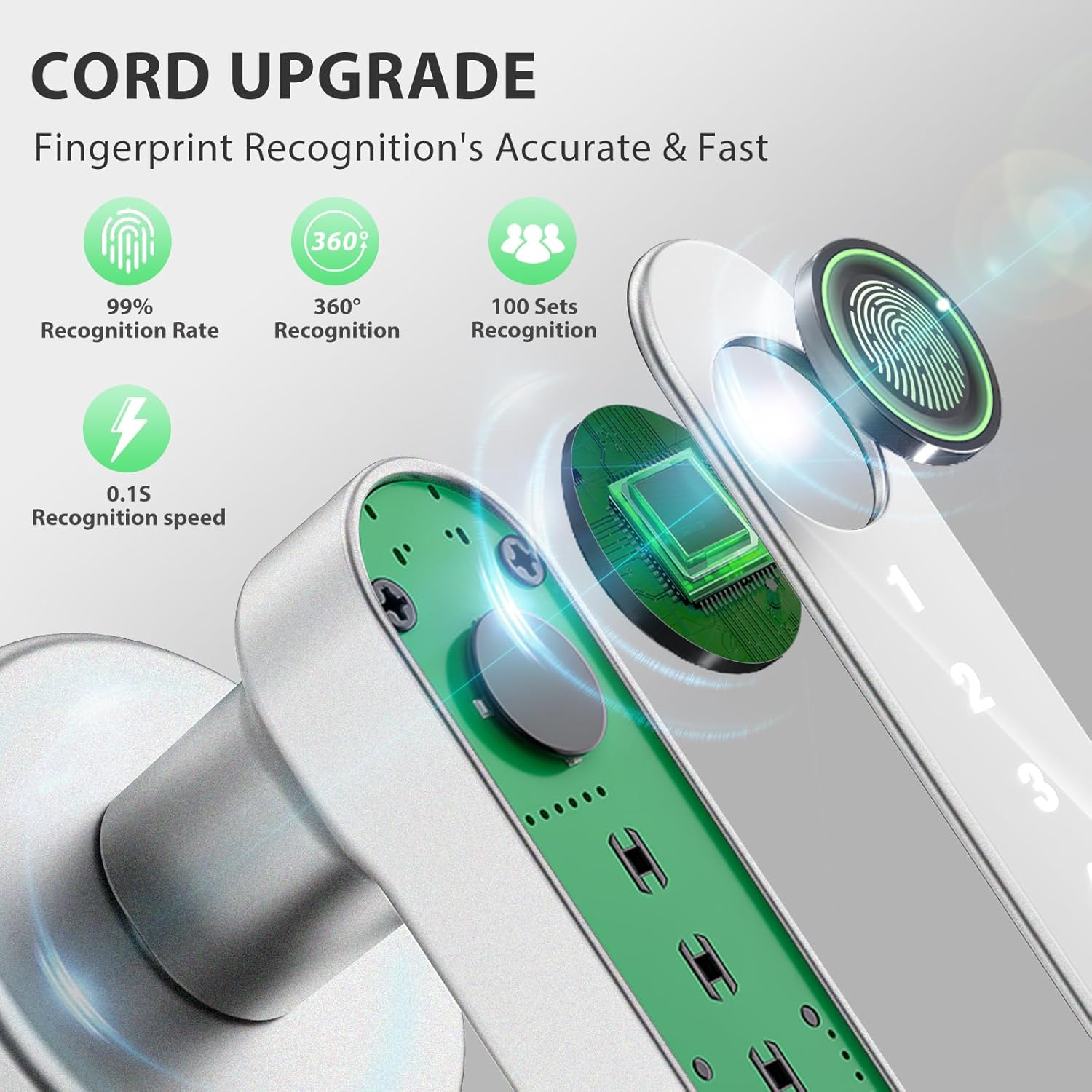
 Fast Fingerprint Recognition
Featuring 360° Live Fingerprint ID technology, it enables instantaneous unlocking in just 0.2 seconds while sustaining an industry-leading accuracy rate of 99.7%.
 IC Card Access
Swipe your IC card for easy, instant door access.
 Passcode Access
Set up personalized passcodes for family, guests, or occasional users—so everyone can unlock quickly and securely, exactly as you need.
Enhanced security with Evanshow Fingerprint Door Lock
 Anti-peep Touchscreen Keypad
Randomized digit sequences shield your passcode from prying eyes, while the backlight enables effortless nighttime operation.
 Auto-Lock Funtion
Ensures that your door is always locked when you leave, preventing unauthorized access.
 Battery Level Monitor on App
Allows you to actively monitor the battery level of your smart lock, ensuring that it’s always in optimal working condition.
 Security Lockout Protection
As a security measure, the keypad will automatically lock for three minutes after eight consecutive unsuccessful password attempts.


1 Bedroom Door Lock
2 Apartment Door Lock
3 Office Door Lock
4 Closet Door Lock
Why everyone fingerprint can open the door?
The smart door knob s initaly set to unlock with any fingerprnt.It needs to set up the adminstroer if not When no user information is entered, any fingerprint or card orpassword “12345” can be unlocked.
Can be installed on an entrance (outdoor-facing) door?
Not recommended. It is not designed for continuousexposure to rain or direct outdoor environmentswithout cover.
What Is the Type-C Port Used For?
Type-C port is only for emergency use, like when the battery’s completely dead can connect a power bank to power it open the door. Don’t use it for regular charging, it could damage the inside of the lock or fry the motherboard.
What Type of Battery beuse for this Evanshow fingerprint Door Knob?
Please use four AAA alkaline batteries NOT rechargeable batteries , please do not charge the batteries via the Type-C
How do I perform a factory reset ?
Press and hold the reset button for10 seconds when the light turns green a have a longtime beep sound it will suceessfully.
Smart Door Lock: Enjoy keyless entry door lock convenience via tuya app; fingerprint, keypad passcode,nfc card mechanical key; Perfect for keyless entry door locks, our system ensures effortless control over your home’s security
Important First-Step Setup:Before first use, you MUST register an administrator fingerprint. Until an admin is set, ANY fingerprint will be able to unlock the door.The door lock have a USB port for emergency power (using an external power bank), but it cannot be used to charge the lock’s internal batteries.
Advanced App Management: Seamlessly manage your deadbolt lock via the app: assign permanent/temporary access for family, guests, or deliveries, track entry logs, and enable silent mode for privacy
Convenient Auto-Lock Feature: With the auto-lock function, this door knob automatically secures itself after a pre-set time, make your home more security
Easy Installation: No drilling/wiring! Our fingerprint door handle fits 1.18″-1.97″ thick wooden doors (left/right swing);fingerprint doorknob installs in minutes without professional help
13 reviews for Smart Door Lock with Knob, Keyless Entry Door Locks with Handle, Fingerprint Door Knob for Bedroom/Front Door/Apartment,Generate Passcode Remotely Silver
Add a review
$36.99
Chuck –
morgan belcher –
Tammy –
Gorkem –
Amanda –
Pepe maggot –
Johnnyb –
Candace W –
Lelo –
Kesha Ortile Macalalag –
Katie Moran –
simran –
Yorkie –